
Table of Contents
- Text Content Blocks
- Media Content Blocks
- Design Content Blocks
- Integrational Content Blocks
- Widgets Content Blocks
- Example Email
Text Content Blocks
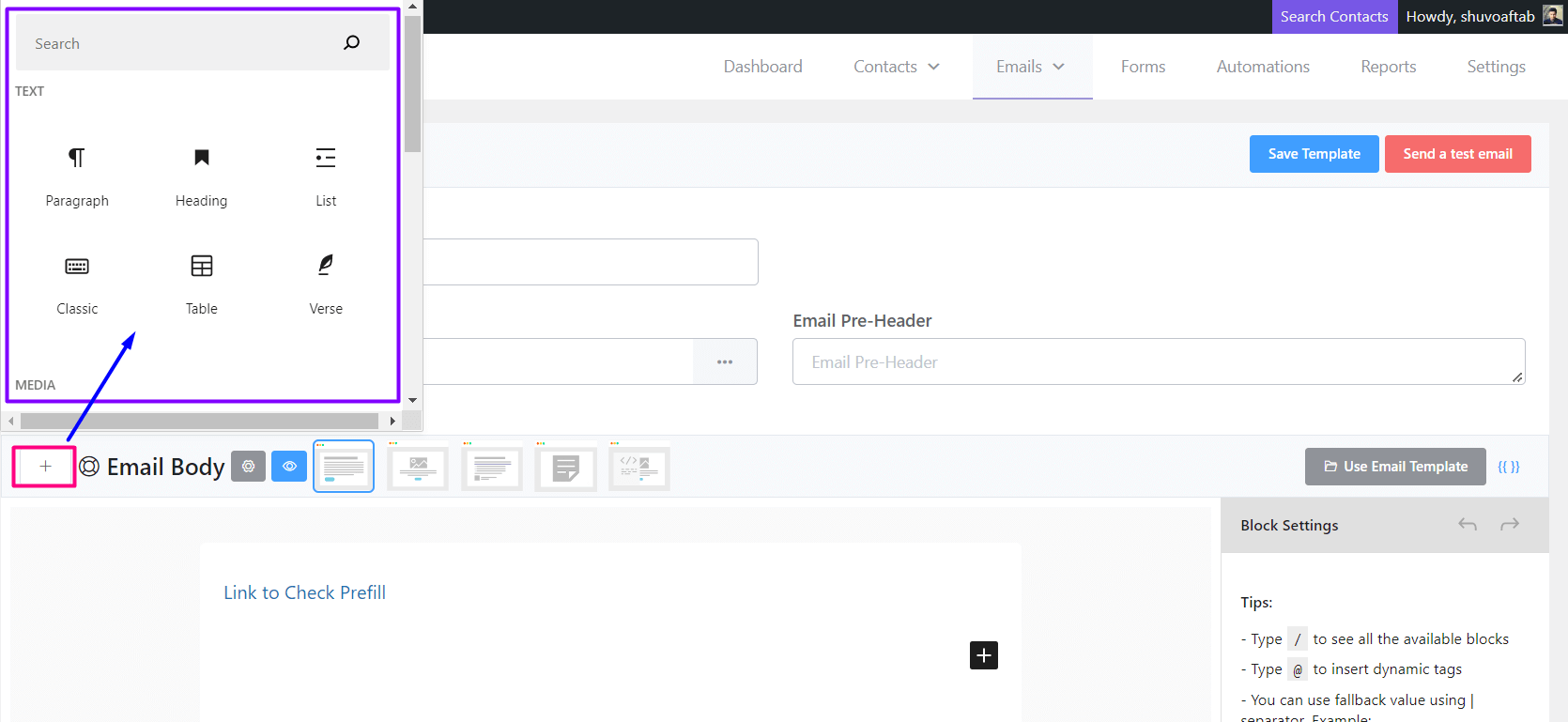
Paragraph
Below is an example of a Paragraph Element:
Lorem Ipsum is simply dummied text of the printing and typesetting industry.
Heading
Below is an example of a Heading Element:
What is Lorem Ipsum?
List
- What is Lorem Ipsum?
- Why do we use it?
- Where does it come from?
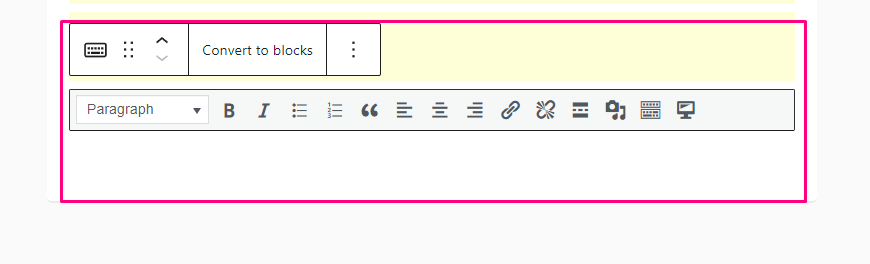
Classic
Table
| No. | Subject |
| 1 | Email Marketing |
| 2 | Automation |
Verse
Email Marketing Automation dedicated to WordPress, and you! FluentCRM is a Self Hosted Email Marketing Automation Plugin for WordPress.
Media Content Blocks
In the Media content block, Image Block is available to be used in the email editor.
Image
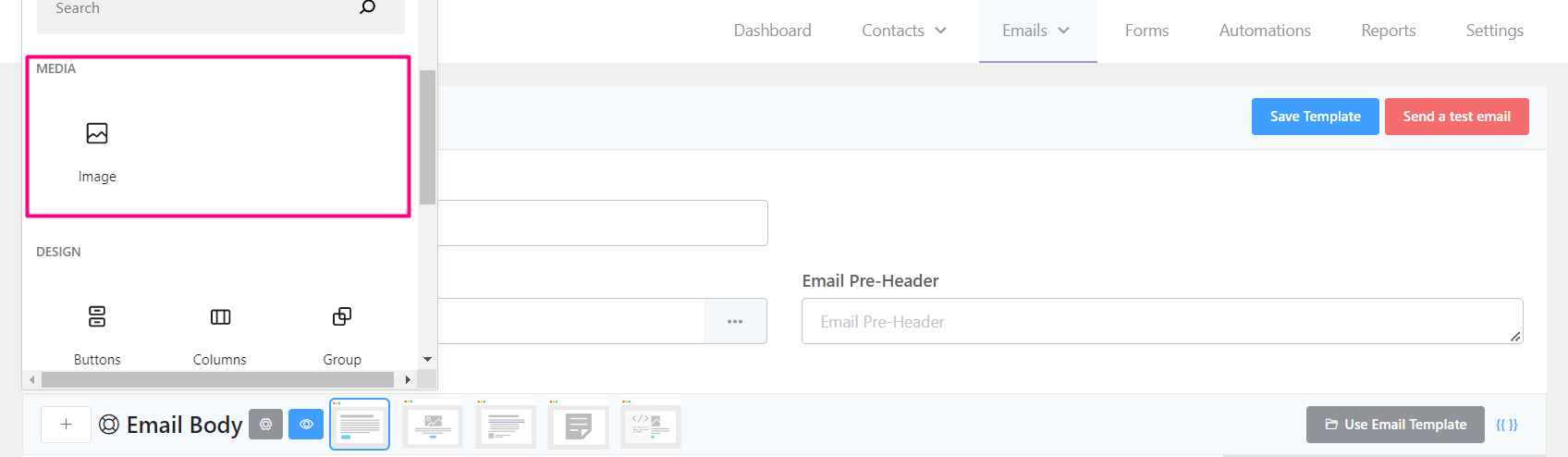
Adding an Image Block will let you Upload and Add Images from your Computer or Remote URL.
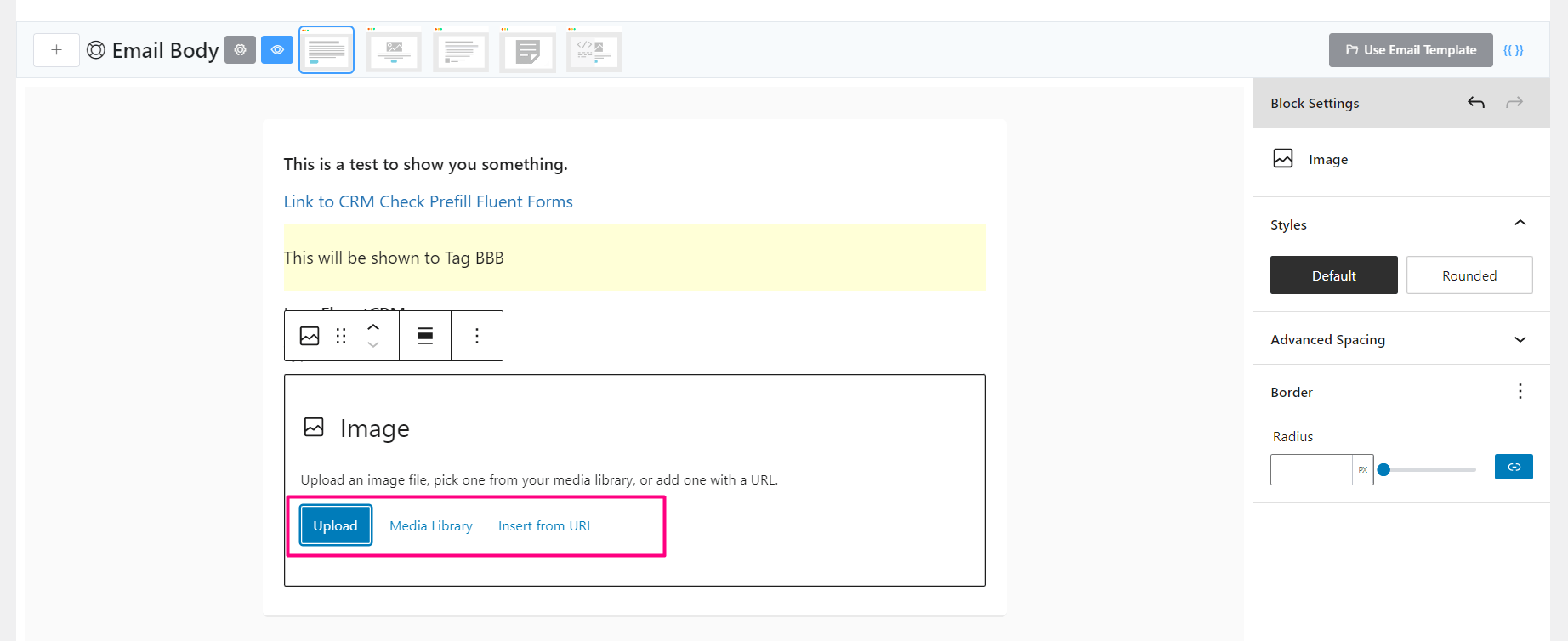
There are 3 options to choose from:
- Upload: You can directly upload an image to your website and add it to the email.
- Media Library: You can select already uploaded images from your WordPress website.
- Insert from URL: You can insert any image from a remote URL. This may cause if the remote domain and hosting as Hotlinking Protection Enabled.
Design Content Blocks
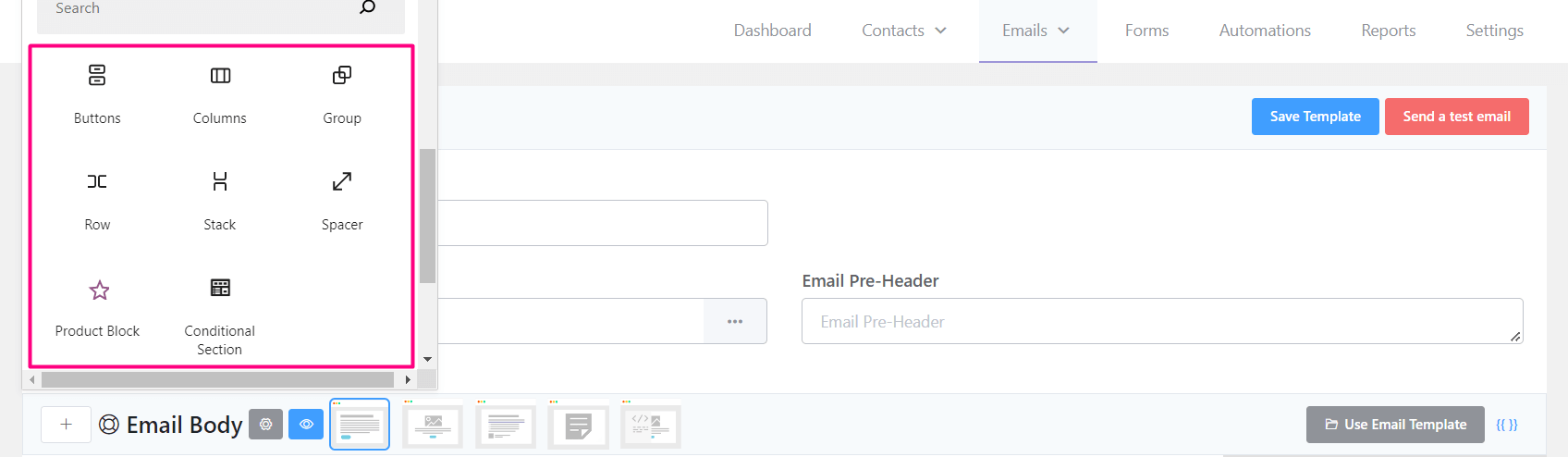
There are a few design content blocks available. They are demonstrated below:
Buttons
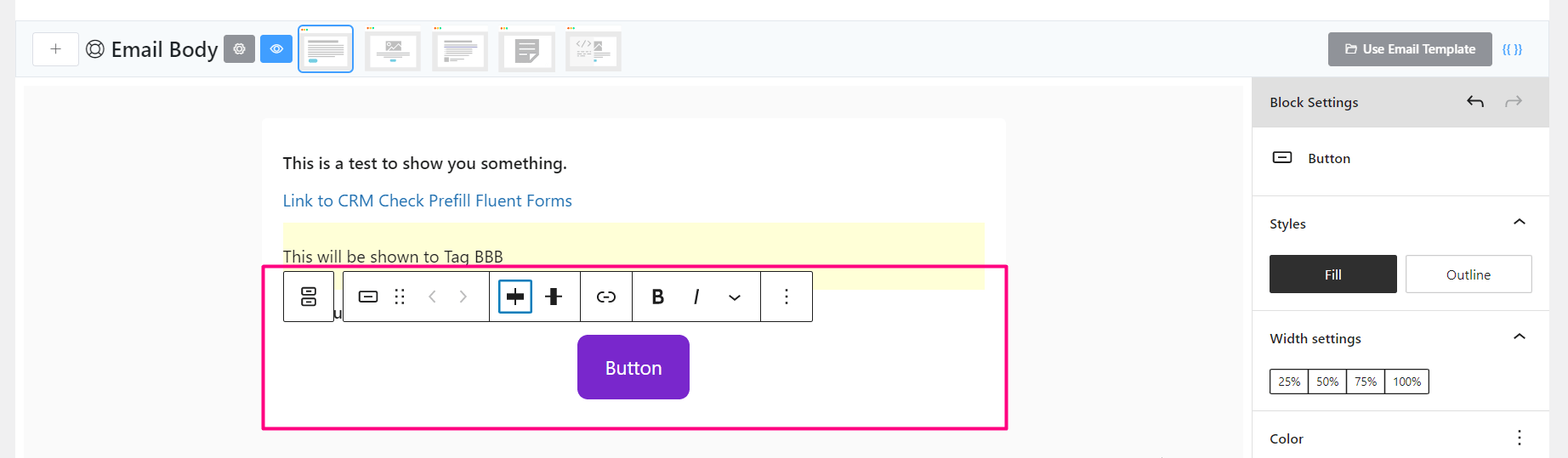
.
You can add a button in the email as a Call to Action element.
Columns
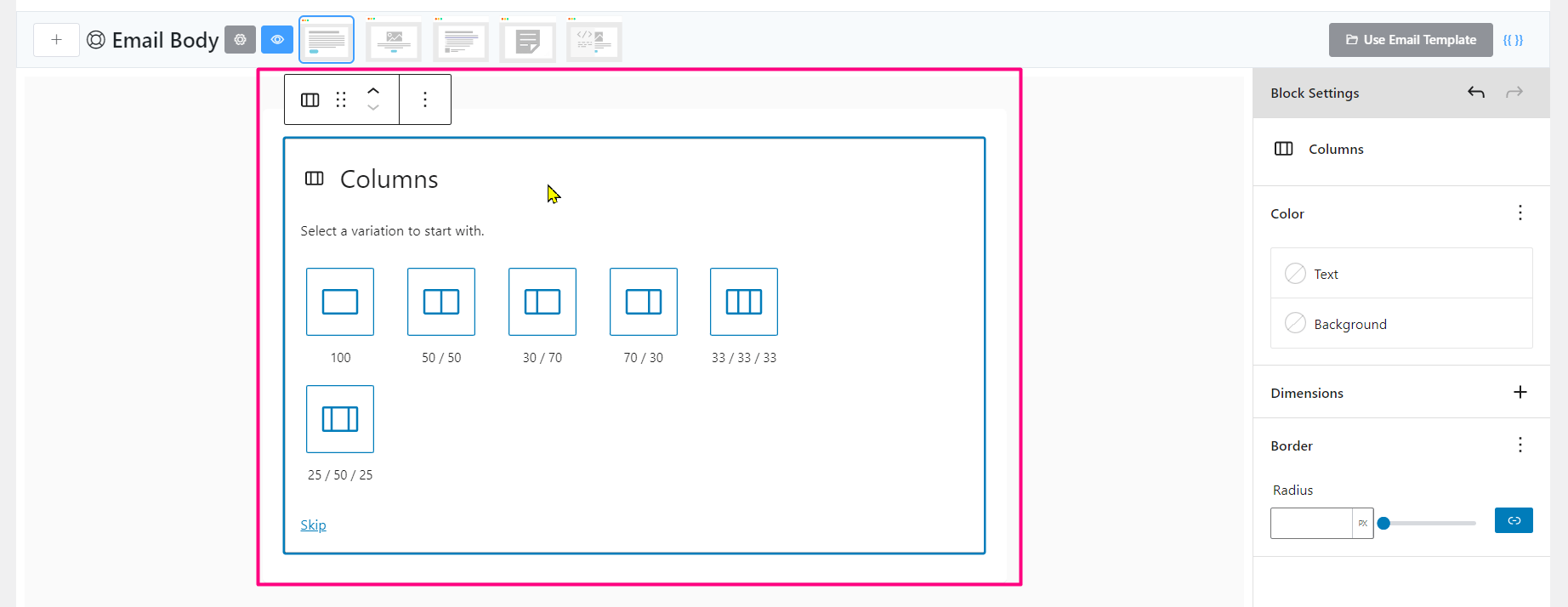
In some cases, multiple content elements need to be nested or shown side by side using a Column Content Block.
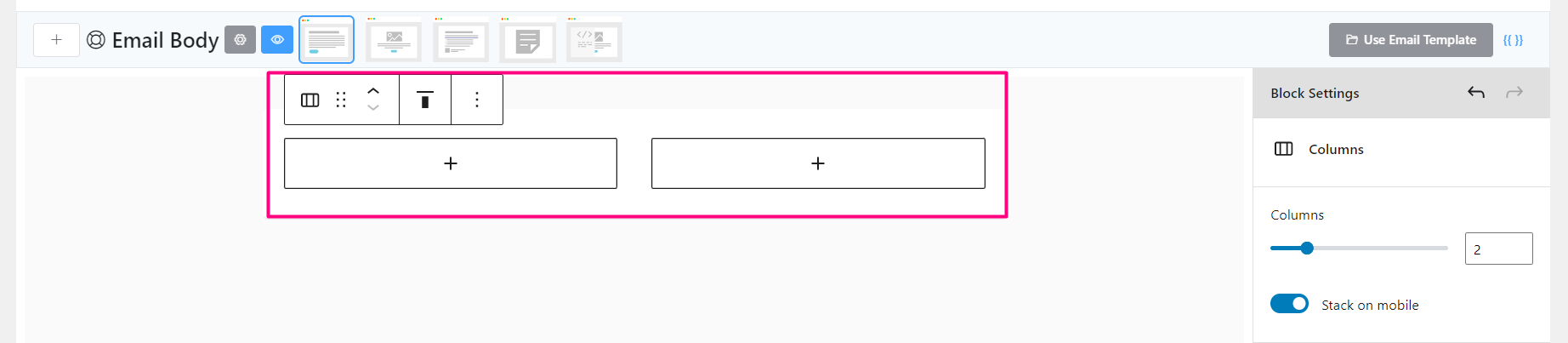
The above screenshot is an example of 2 Columns added to the email editor.
Group
This block helps to Group multiple content blocks.
Row
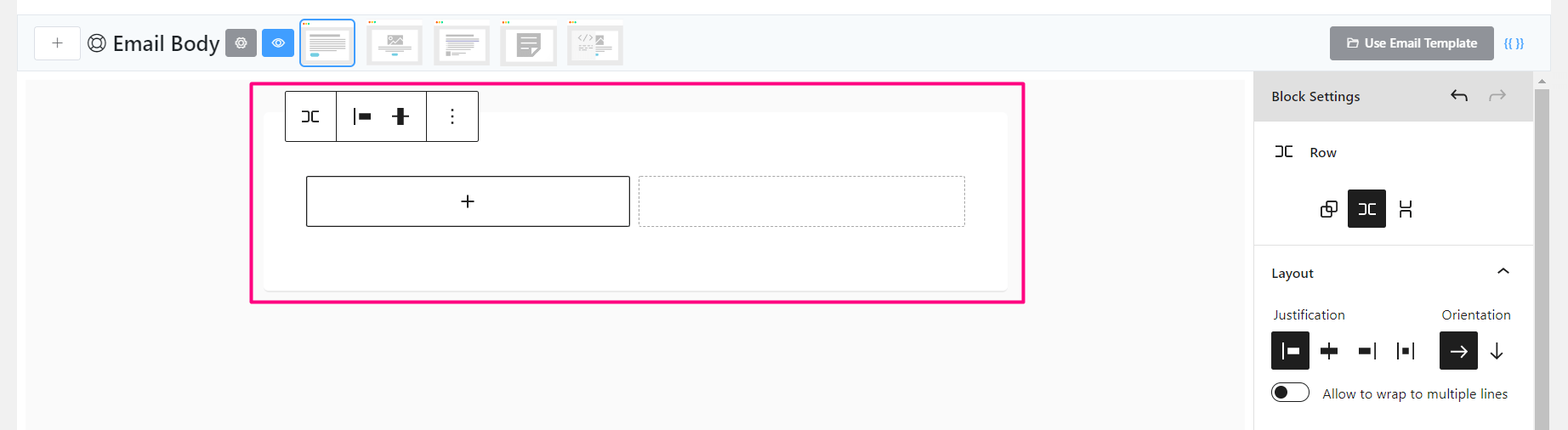
You can also add a column-based element that will wrap the entire Row.
Stack
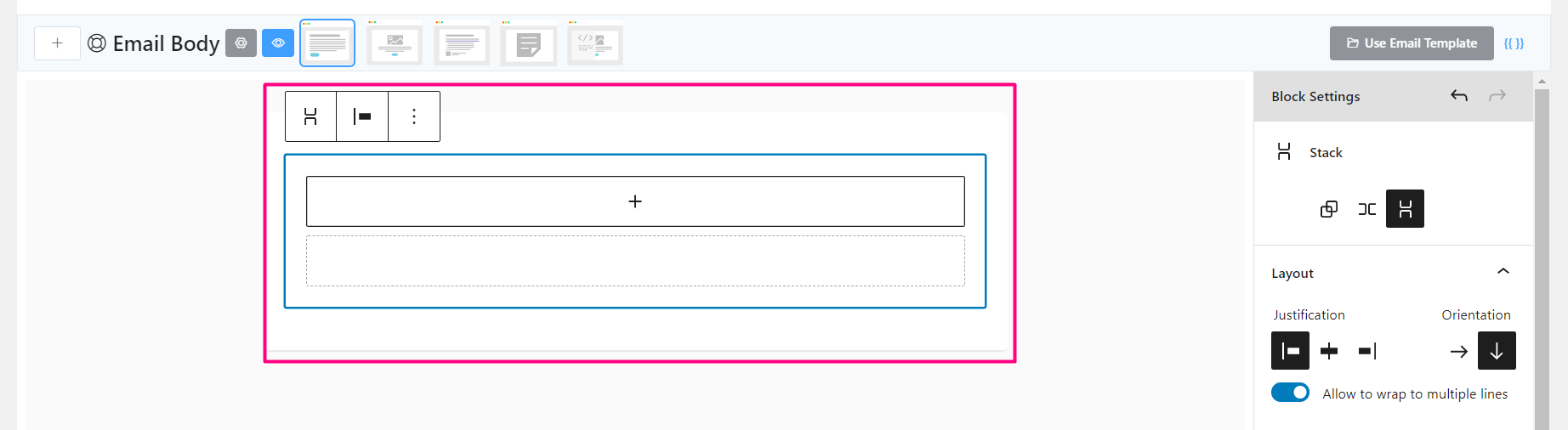
Stack block helps to add Content Blocks to stack items over items.
Spacer
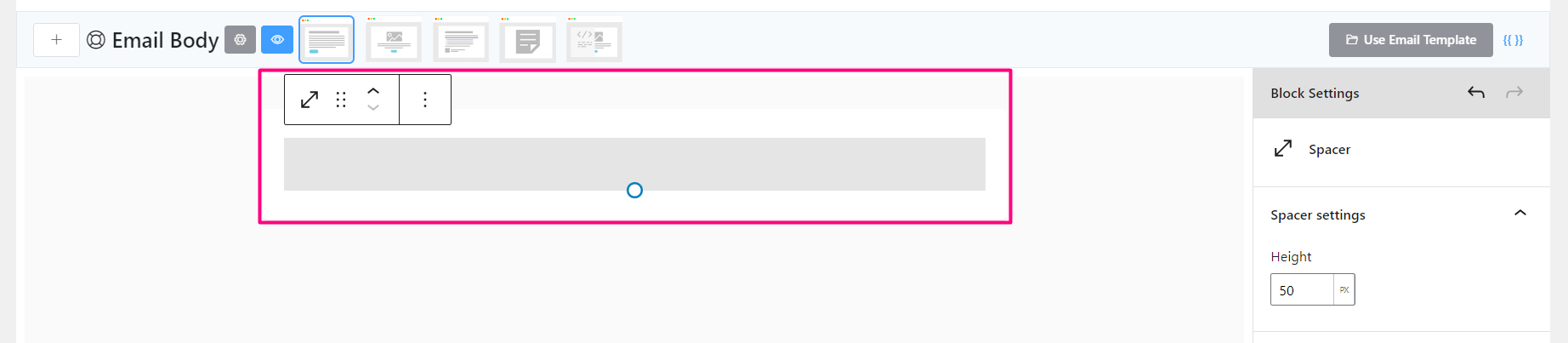
This helps to give space between content blocks.
Conditional Block
More on the conditional block is discussed here: Conditional Sections in Email Editor
Latest Posts Block
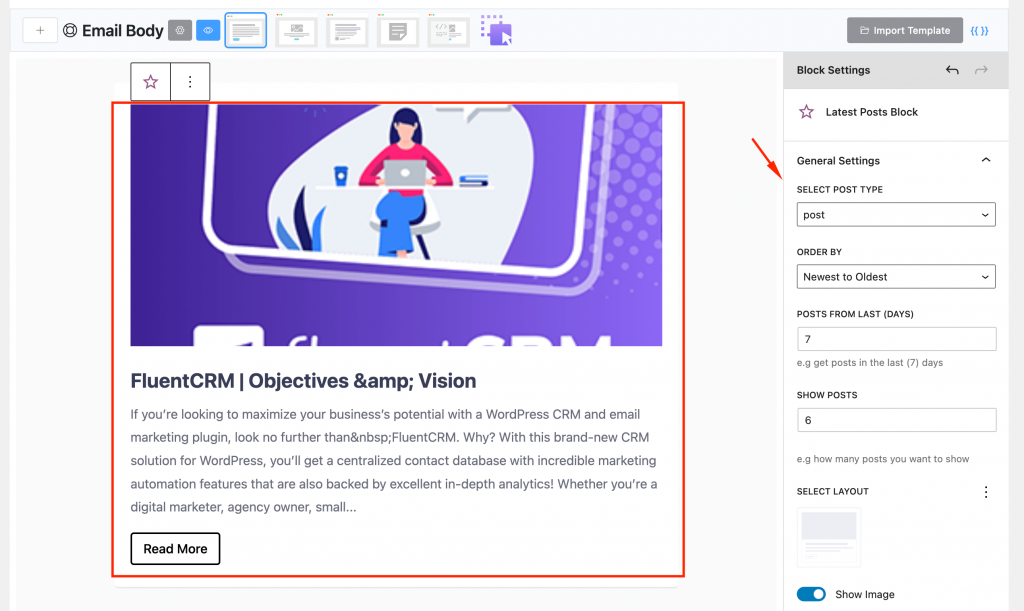
Adding the latest posts block will show all the posts that were added within the last specific days. You can set the number of posts to show and the layout of the posts that are displayed on the email.
Integrational Content Blocks
Depending on the plugins activated on the website there will be a few limited blocks available in the email editor.
Product Block (WooCommerce)
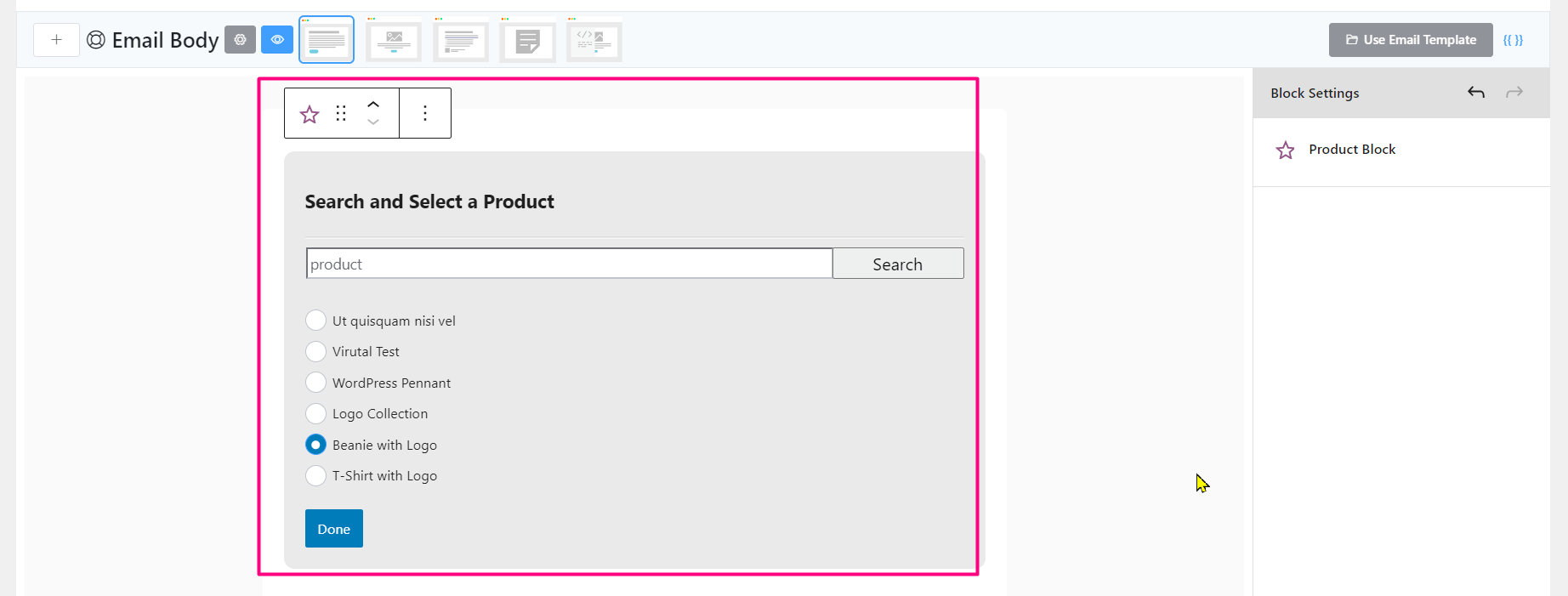
Adding a Product Block will let you choose or search for a product from Woocommerce.
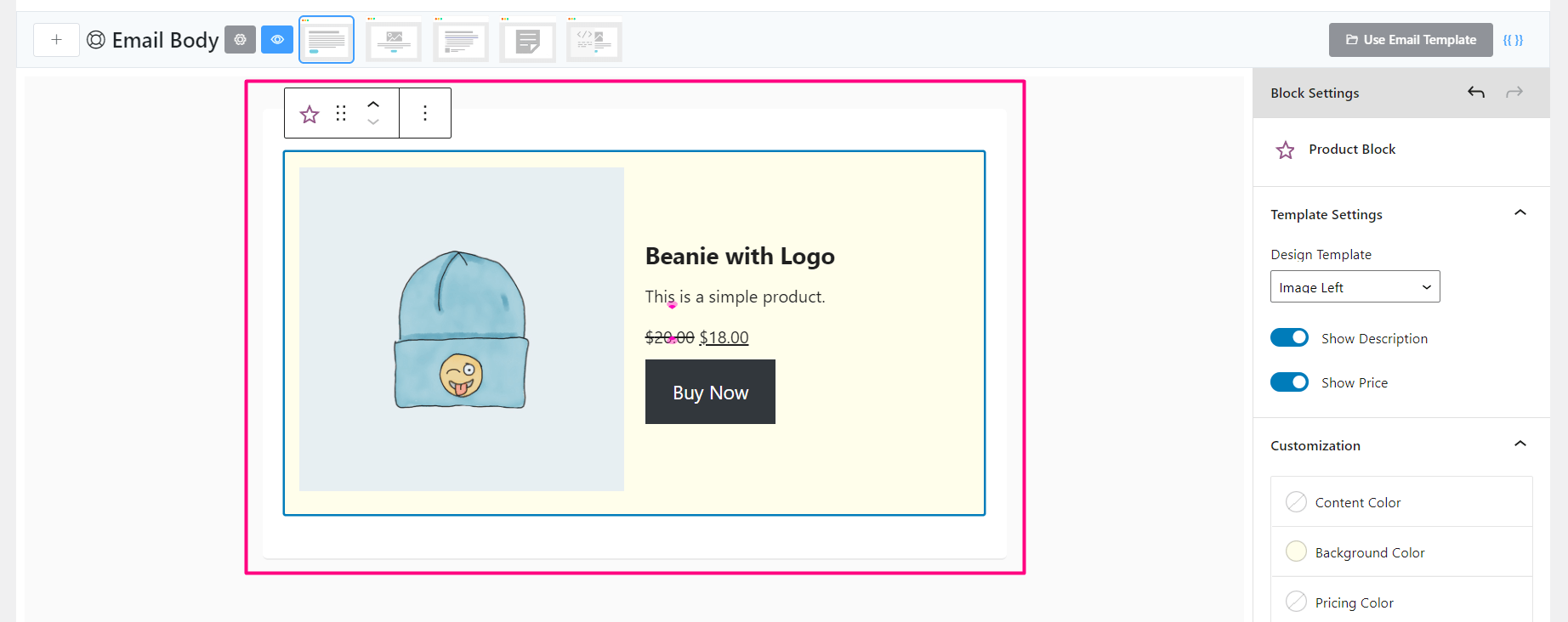
Once you select a product and add you will see a preview like the above screenshot.
Widgets Content Blocks
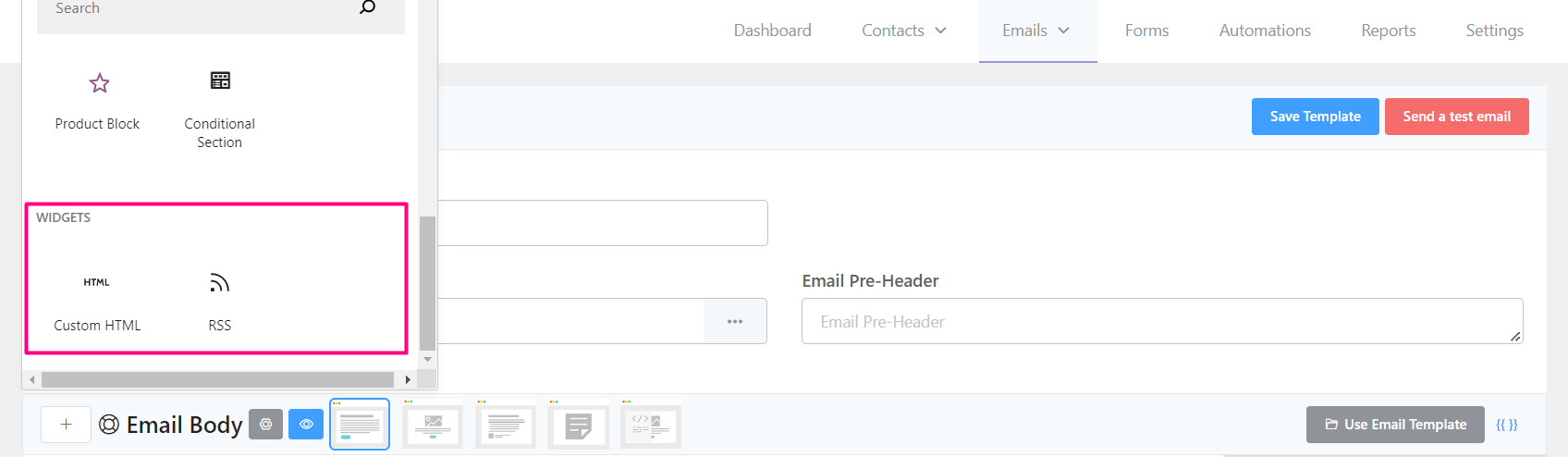
This section lets you add 2 more advanced content blocks.
Custom HTML

This is very helpful when no available block is able to add some content according to the requirement. This will be handy with custom HTML-coded elements.
RSS
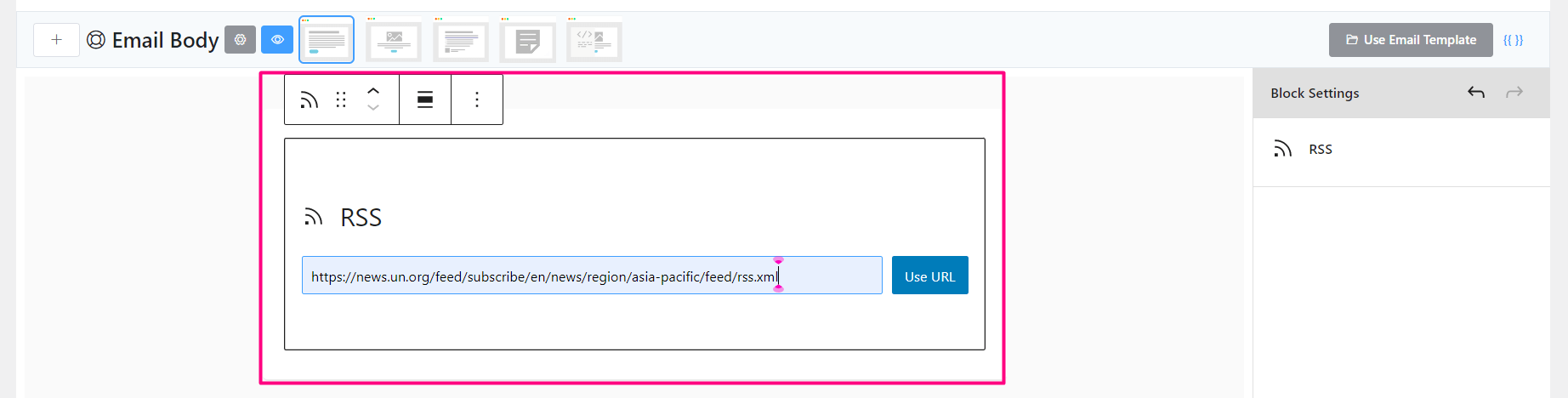
Another advanced block with RSS feed to be included in the email.
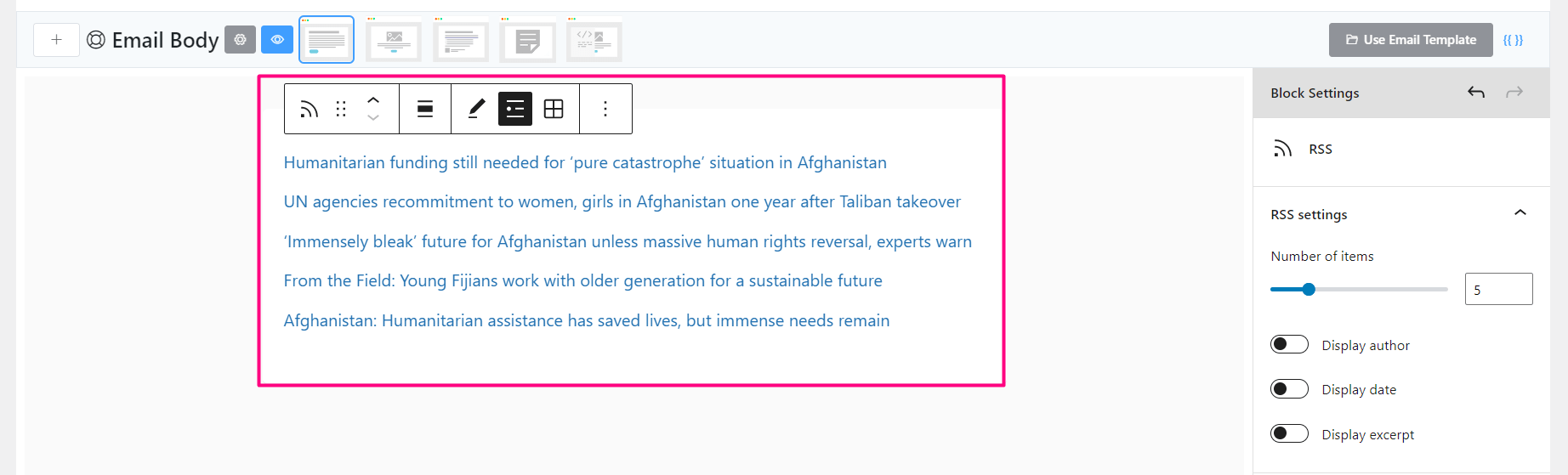
There are a few options to select the number of Feeds to be fetched and include in the email. Author, Date, and Excerpt to shown or not.
Example Email
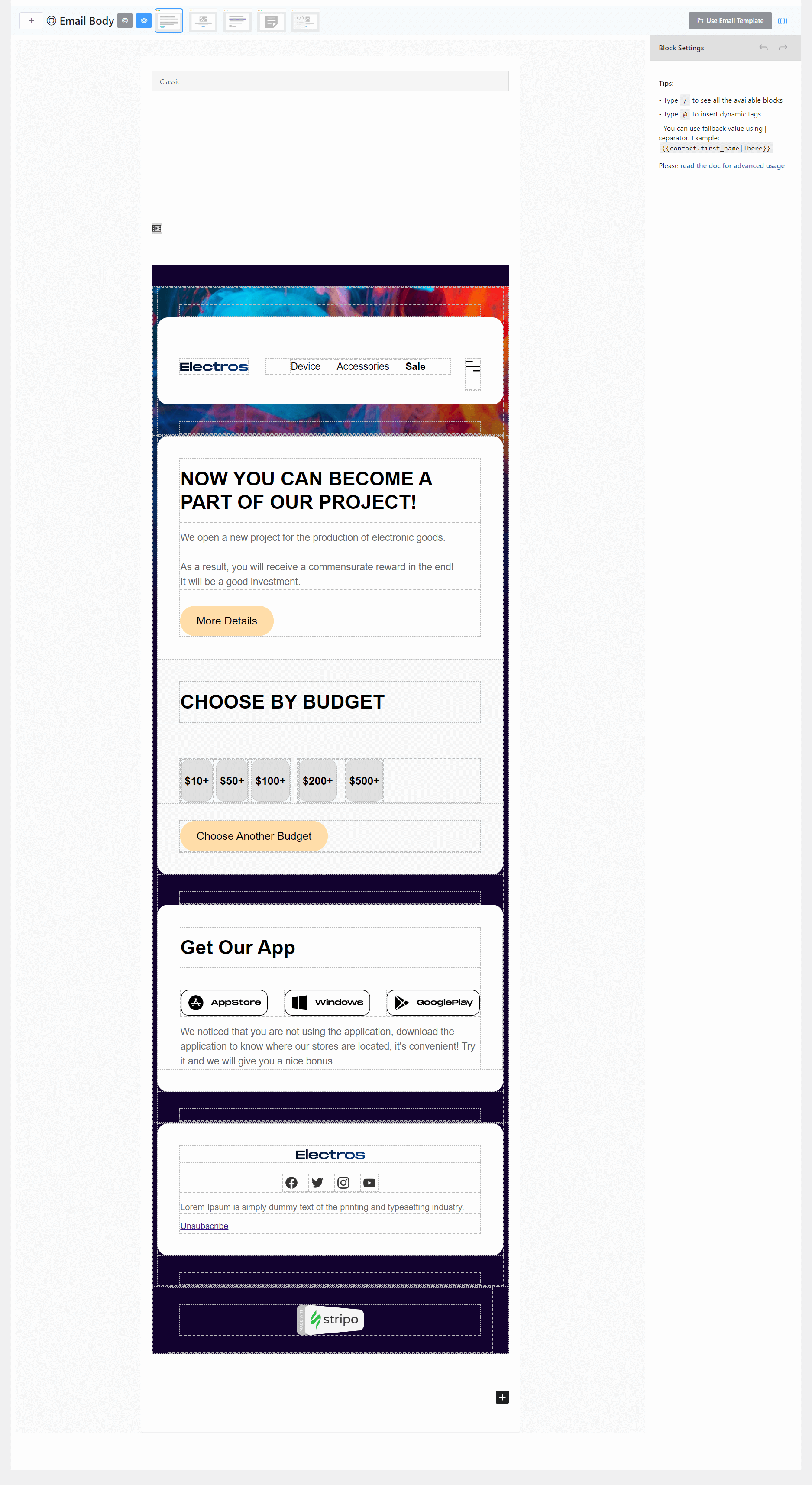
This is an example email composed in the FluentCRM Email Editor using various elements.
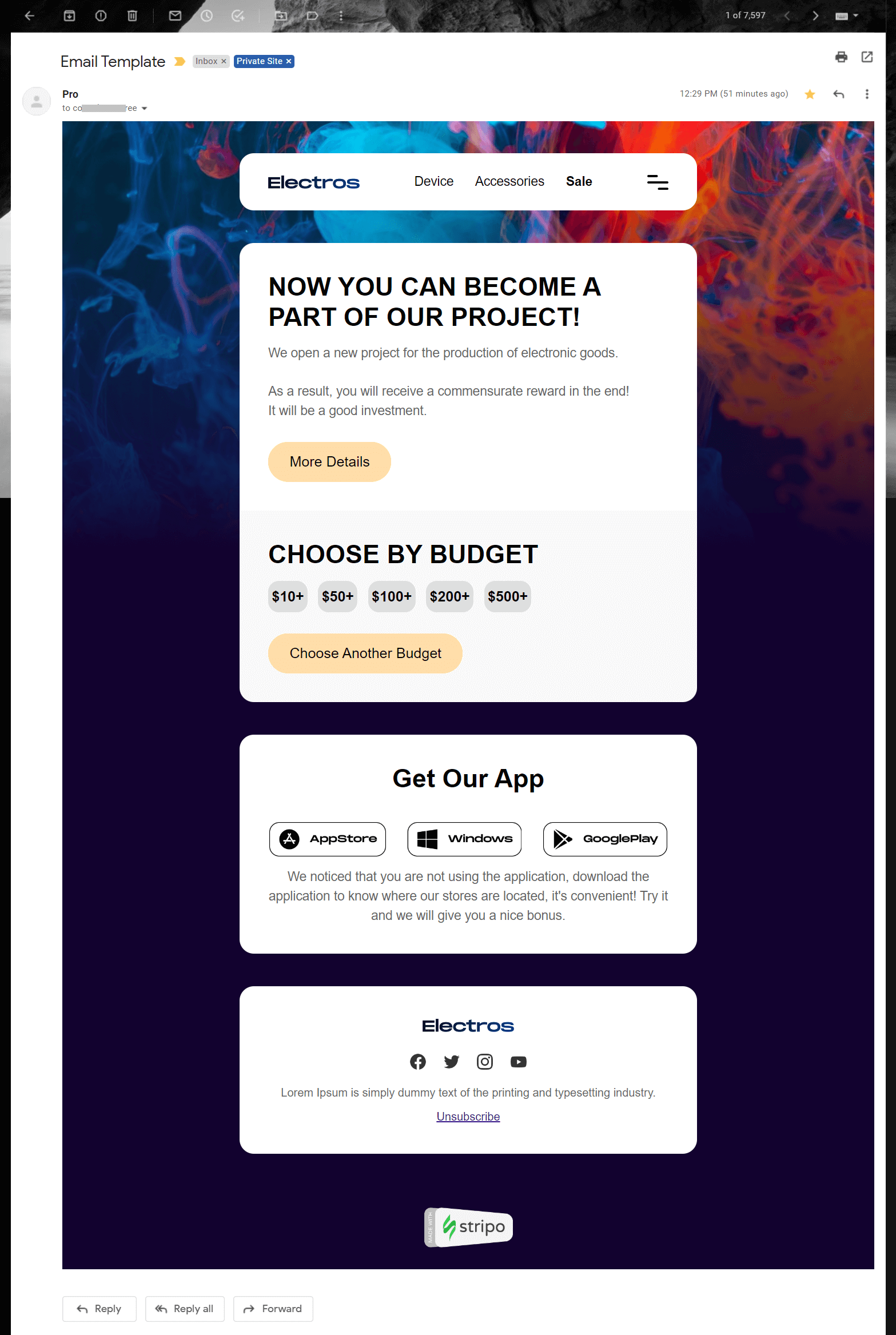
And the above screenshot is an example preview sent from FluentCRM to Gmail Email Client.


